

Store, Share, and Find Media Effortlessly
Easily save images and videos, access them instantly.
Fast Media Access
Retrieve your saved media or text in seconds, hassle-free.
You can send items to JotMemory using the share button.
JotMemory operates 100% offline. All data is saved locally-
Seamless Storing
Offline
Available on Apple Store and upcoming google play store.
Your digital life is scattered across apps, and finding anything is a nightmare.
Tired of scrolling endlessly through your photo gallery looking for that one screenshot? Fed up with losing important links in your browser history? Can't find that PDF you shared to yourself weeks ago? Or just favorited some meme and its not existing anymore ?
JotMemory transforms your device into a blazing-fast memory vault that captures, organizes, and retrieves your digital content with zero effort.
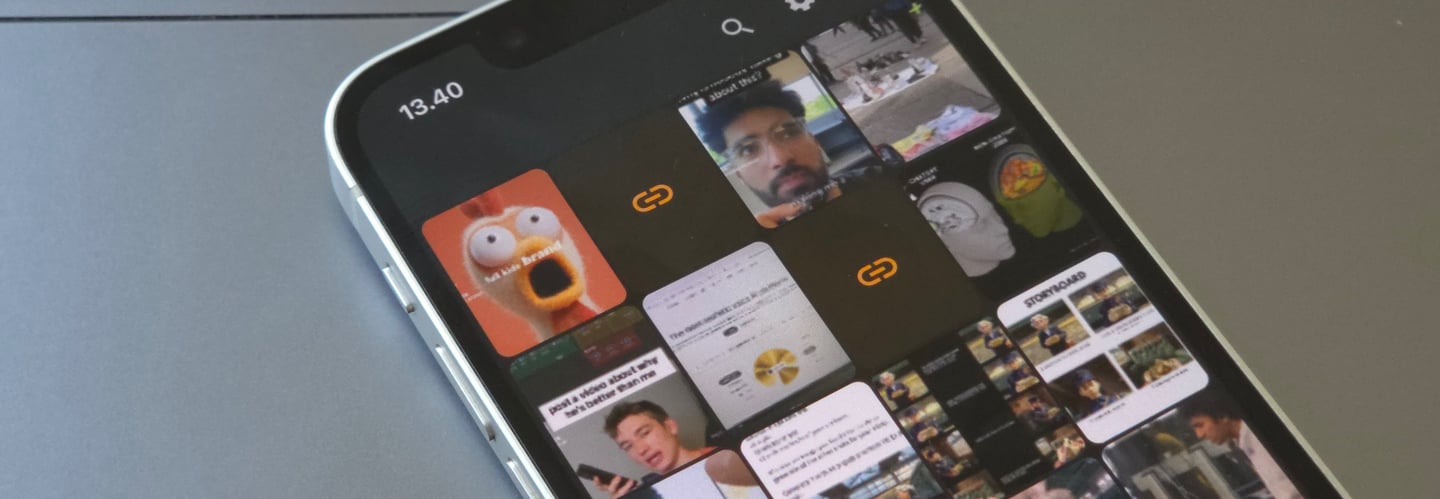
Share and Find.
Easily store and retrieve images and videos whenever you need them, lightning fast.
You can share individual items or your search findings.
Access your data anytime — even without an internet connection.
Smart Organization
Use keywords and descriptions to tag your content — making it easy to organize, search, and retrieve your media whenever you need it.

Effortless Sharing
Your stored data is 100% offline
AI-Powered Localization in 18 Languages
Our app is intelligently localized with the help of AI to support seamless use in 18 languages: Finnish, English, Swedish, German, Spanish, French, Italian, Dutch, Polish, Portuguese, Czech, Danish, Greek, Hungarian, Romanian, Norwegian, Hindi, and Japanese.

Multi-Level View with Pinch-to-Zoom
Navigate between detailed single-item views and organized grid or list layouts simply by pinching in or out. The interface adapts fluidly, giving you full control over how you browse your content.

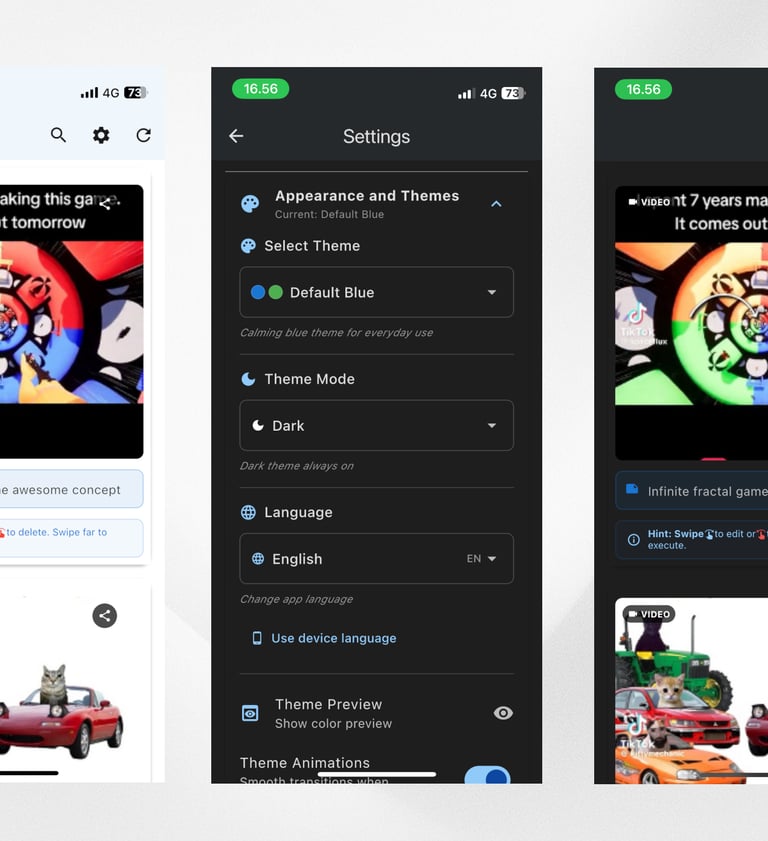
Automatic Theme Adaptation
Enjoy a clean user experience with automatic light or dark mode — complete with gentle color variations to suit your style. Available modes: Automatic, Dark, Light.
Shared Items
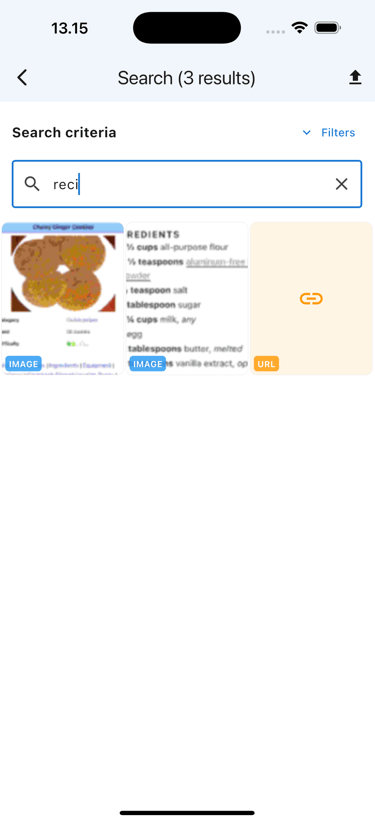
It is possible to share items in a mass sharing process
Browse items
Locate your items and click the export icon.
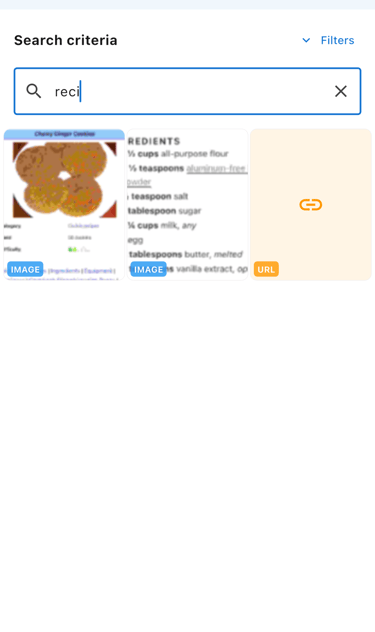
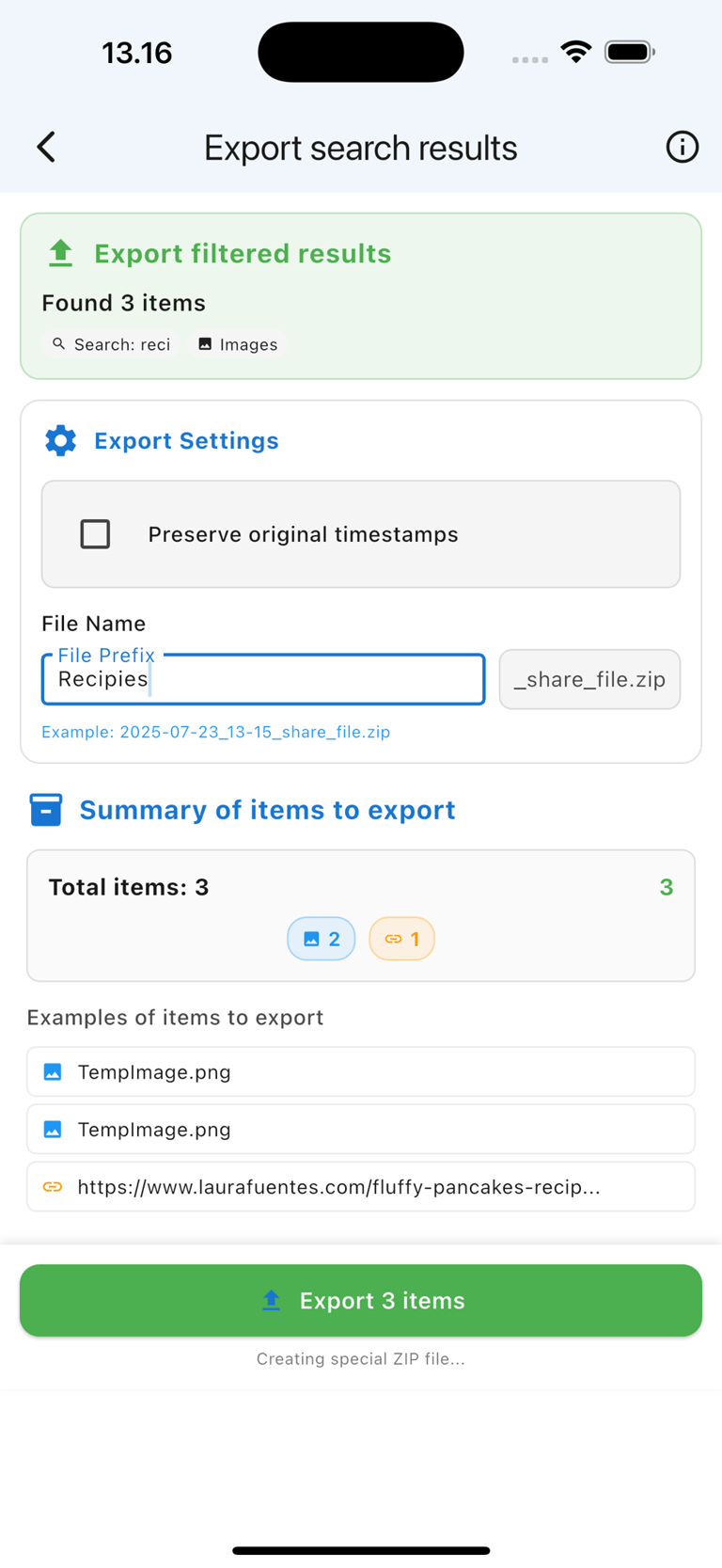
Filter preview
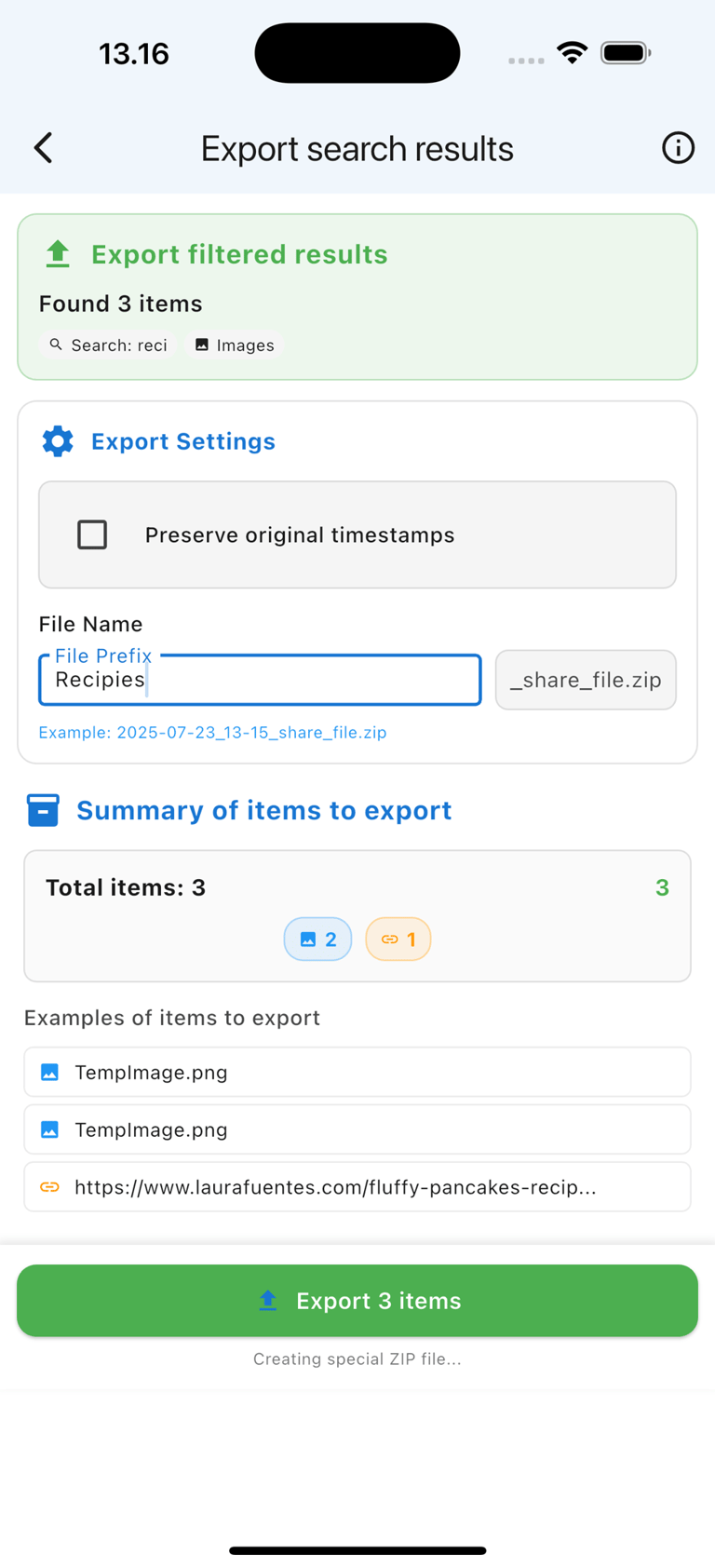
Following this, your items will be compressed for sharing.
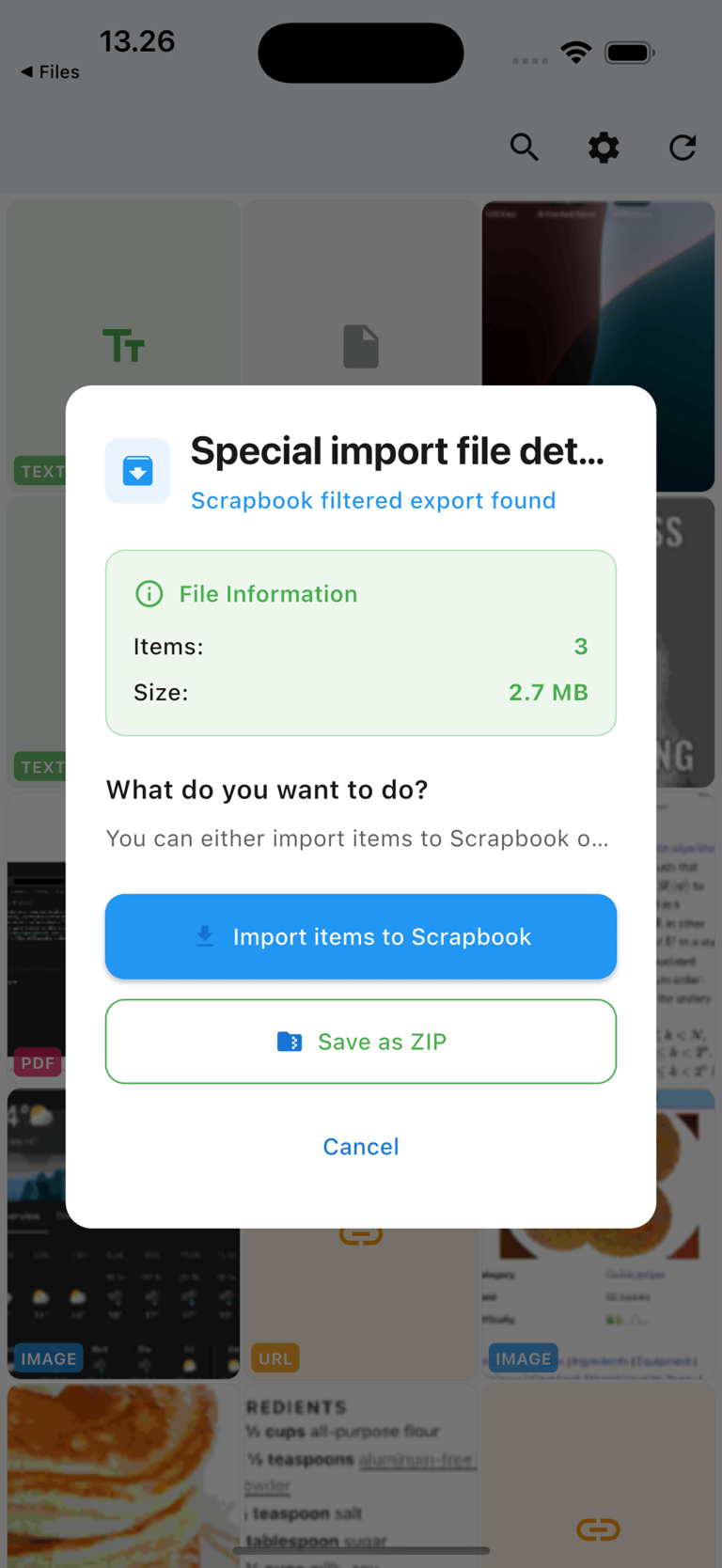
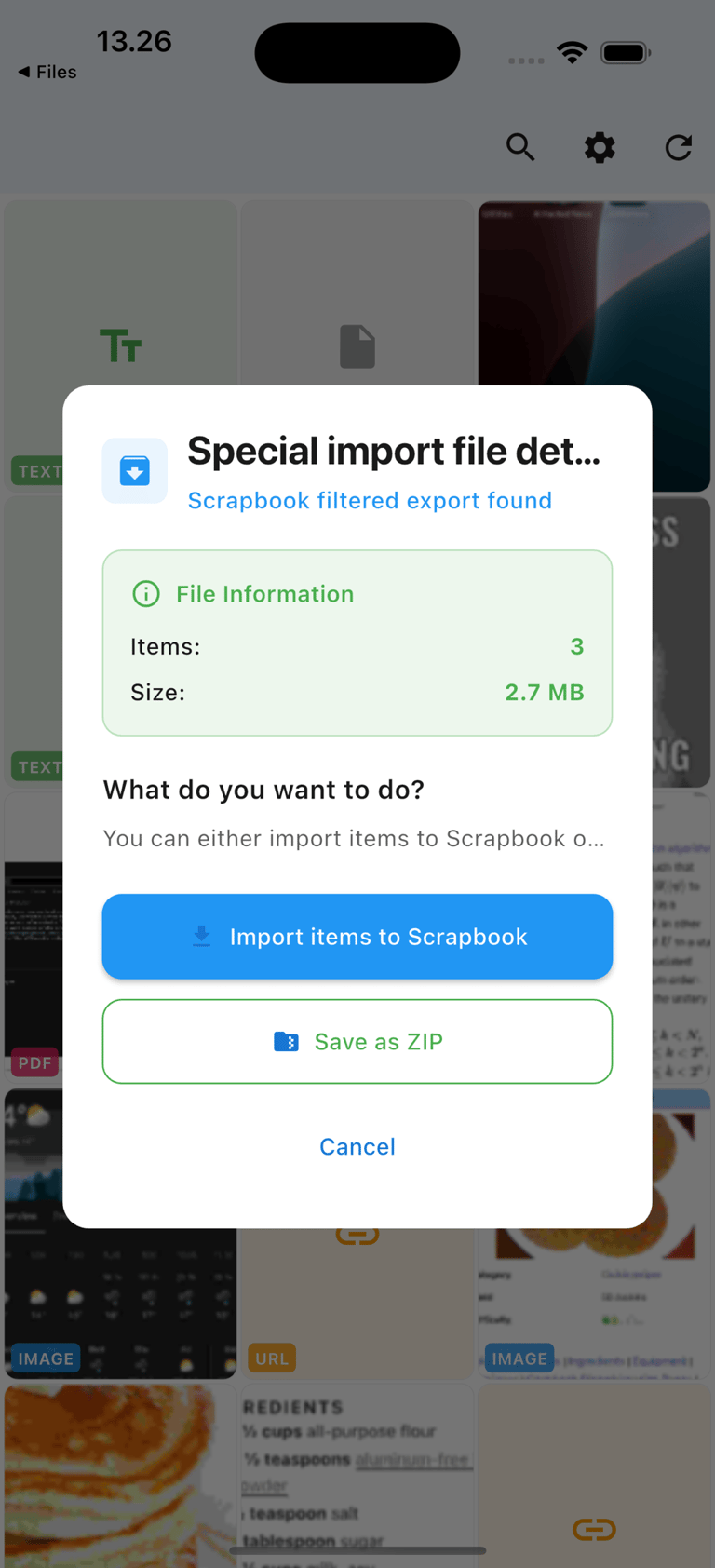
Shared a unique ZIP file
When you send the zip file, JotMemory will inquire about importing those items.
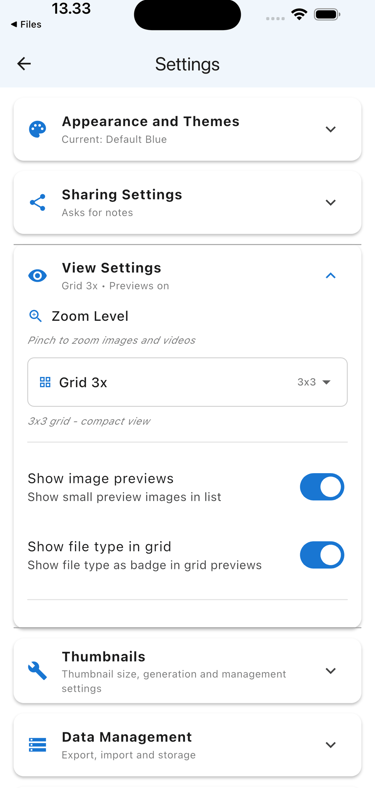
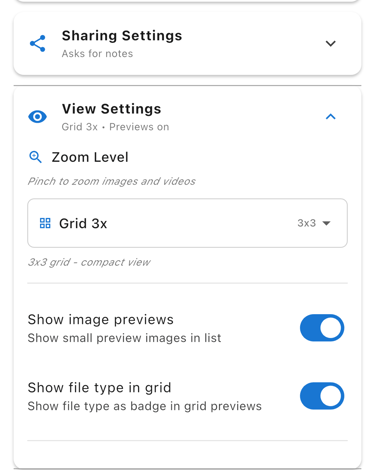
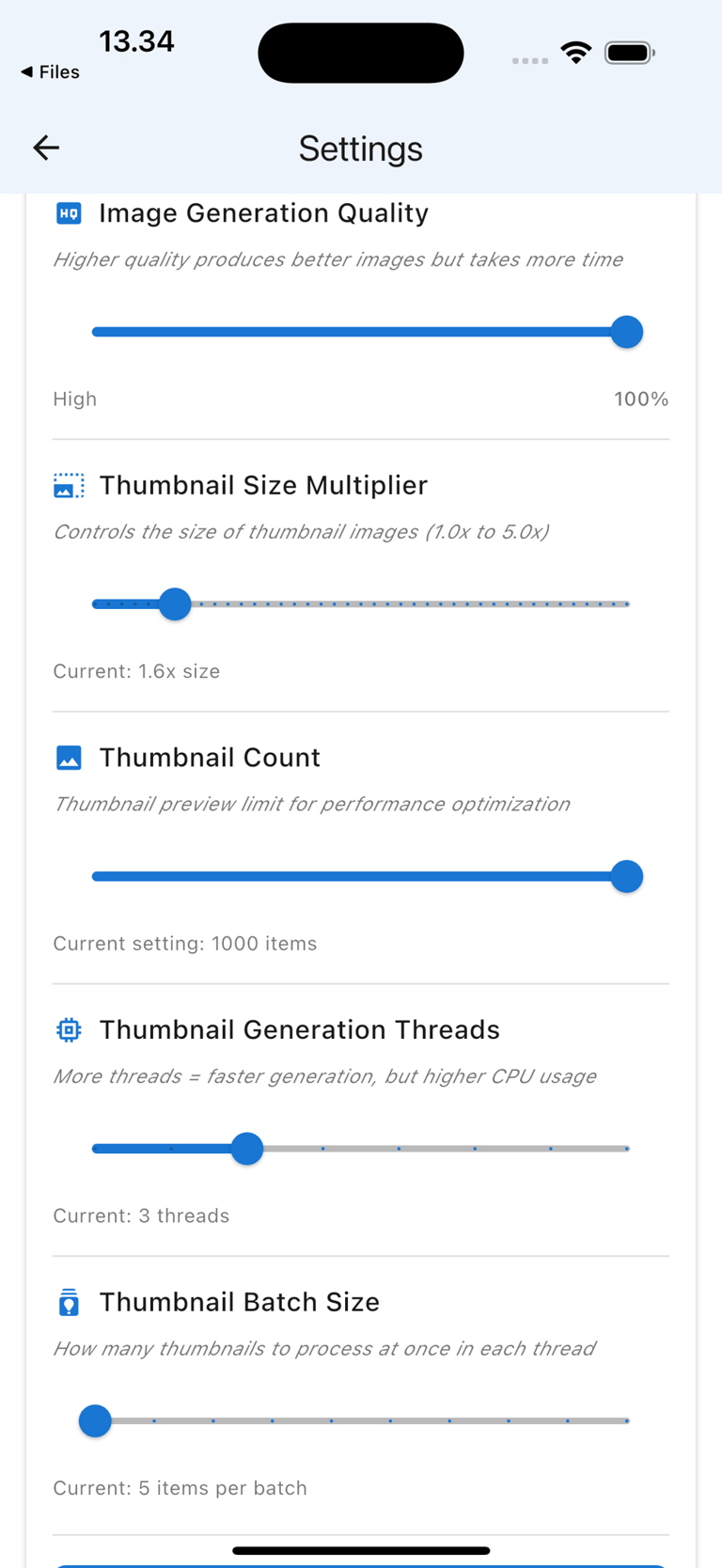
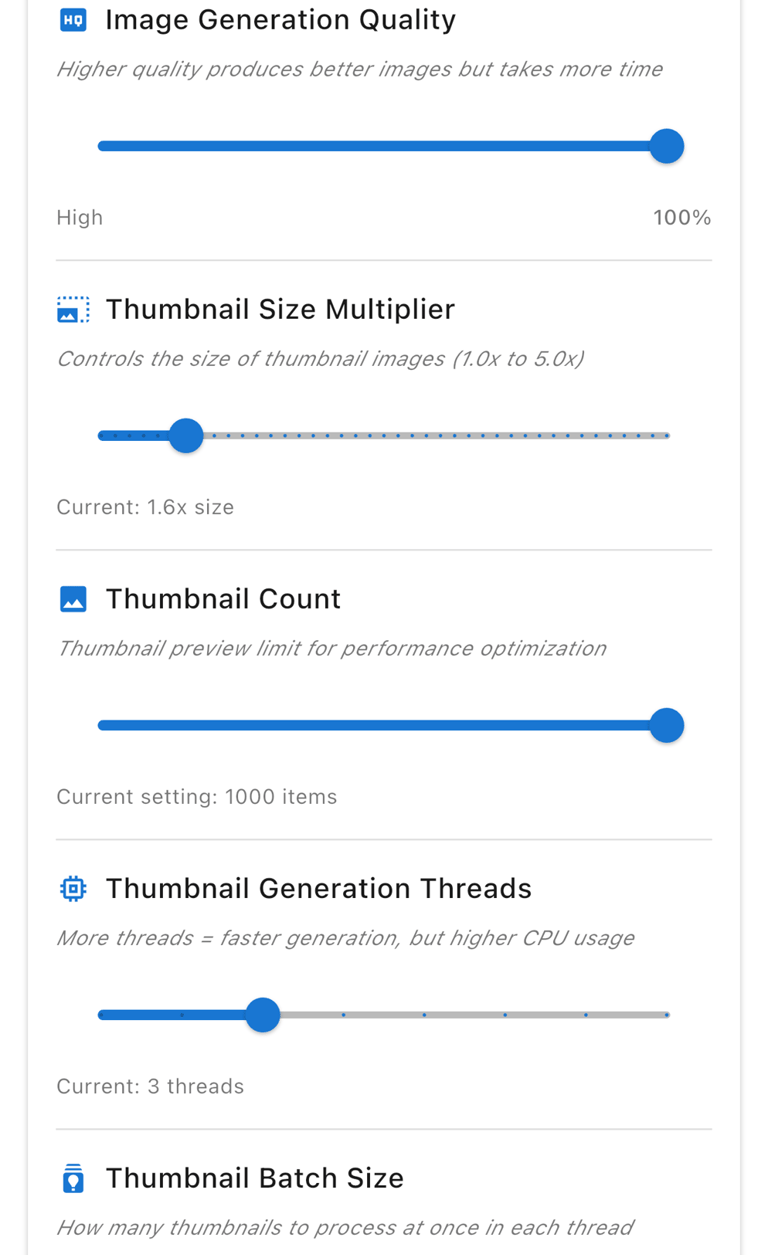
Personalization
You can personalize the settings for memory usage and item display.
JotMemory
Store and retrieve images and videos effortlessly.
Contact
help@jotmemory.com
Via email
© 2025. All rights reserved.